HERE’S WHAT’S NEW IN HALLMARK® CARD STUDIO® 2013


VIDEO TUTORIAL: Video Tutorial for quick tips on how to use the software is now accessible from both the Help drop down menu and on the Home Screen bottom row.


MATCHING ENVELOPES: Some projects in Hallmark Card Studio 2013 include matching envelope designs. Look for the envelope icon on the top left side of the card or project thumbnail image.
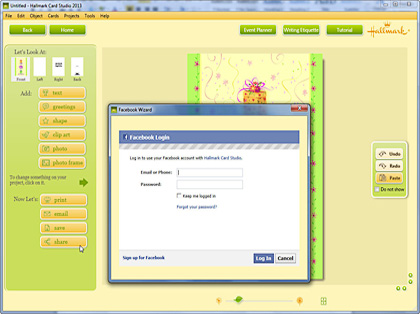

SHARE PROJECTS: Post your Hallmark card right to a friend’s Facebook Wall using the updated Facebook Wizard. Just click the “Share” button on the Art Studio screen and follow the instructions.
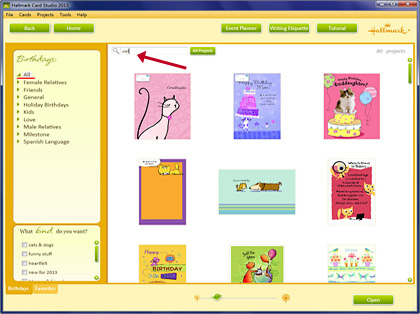

VIEW ALL CARDS: You can now see all cards in any particular category in one place. Just click “All” at the top of the Sub Category list.
Hint: To see all Birthday cards with cats, type “cat” in the search box. Then click the “All Projects” button next to the Search Box to see all cards and projects with cats.
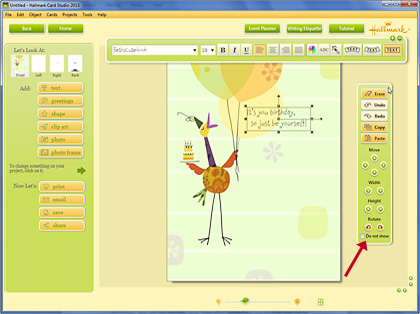

EASILY EDIT: When you select text or graphics on the front of your open project, the Edit Toolbar appears. Use the buttons on this toolbar to copy, paste and move text or graphics. To hide the toolbar, click “Do not show.” To view it again – go to the Tools drop down menu and select the “Edit Toolbar” option.


